You haven't signed in yet, you can have a better experience after signing in
*Please complete the payment within {{receiveCouponInfo.expire_at}}Previous use*
You haven't signed in yet, you can have a better experience after signing in
 AdGuard DNS Ad Blocking DNS Server Tool Software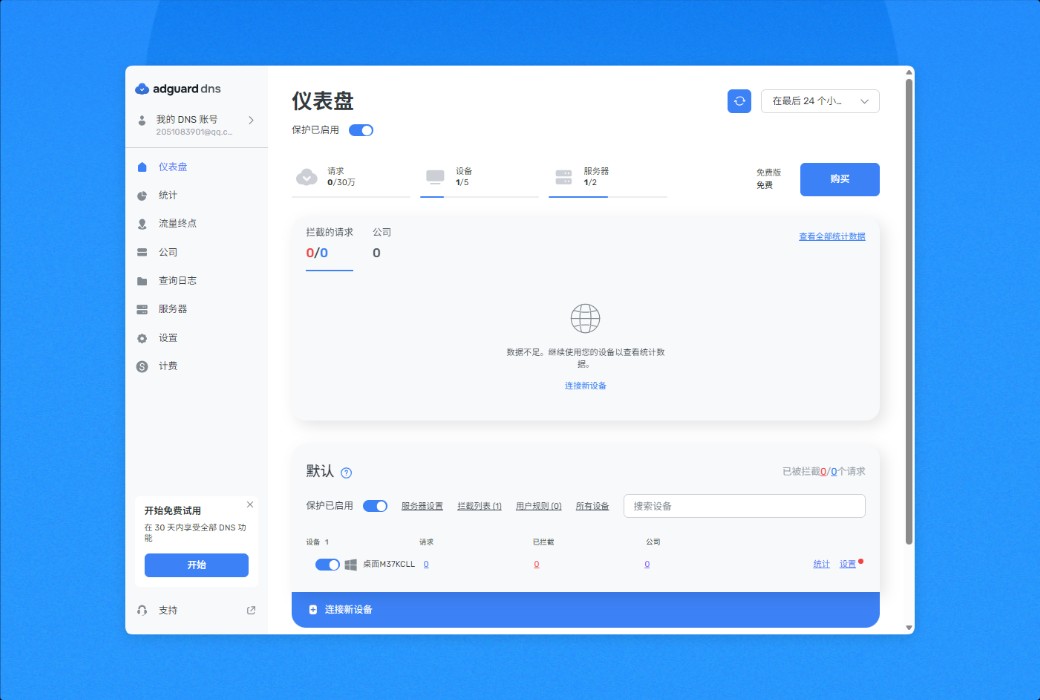


Activity Rules
1、Activity time:{{ info.groupon.start_at }} ~ {{ info.groupon.end_at }}。
1、Activity time:cease when sold out。
2、Validity period of the Group Buying:{{ info.groupon.expire_days * 24 }} hours。
3、Number of Group Buying:{{ info.groupon.need_count }}x。
Please Pay Attention
1、Teamwork process: Join/initiate a Group Buying and make a successful payment - Within the validity period, the number of team members meets the activity requirements - Group Buying succeeded!
2、If the number of participants cannot be met within the valid period, the group will fail, and the paid amount will be refunded in the original way.
3、The number of people required and the time of the event may vary among different products. Please pay attention to the rules of the event.
Your Privacy Protection Center
Control all network traffic on your device, block ads, trackers, and malicious domains. Enable everyone at home or at work to access the internet safely.
What is the working principle of AdGuard DNS?
Step 1: Assuming you have connected your device to AdGuard DNS. Your DNS service has now started.
Step 2: Every time you enter a website name or open a link, your device will query AdGuard DNS for the corresponding IP address.
Step 3: If a domain address belongs to an advertising, tracking, malicious, or phishing website, AdGuards DNS will prevent users from accessing it, thereby protecting them from malicious attacks or privacy breaches.
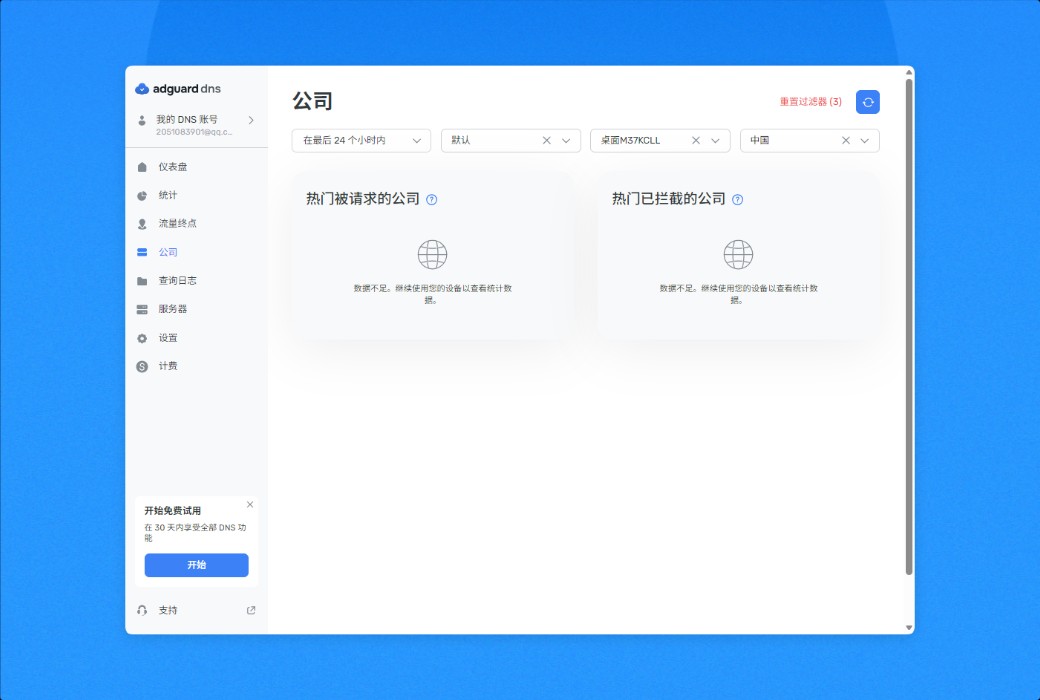
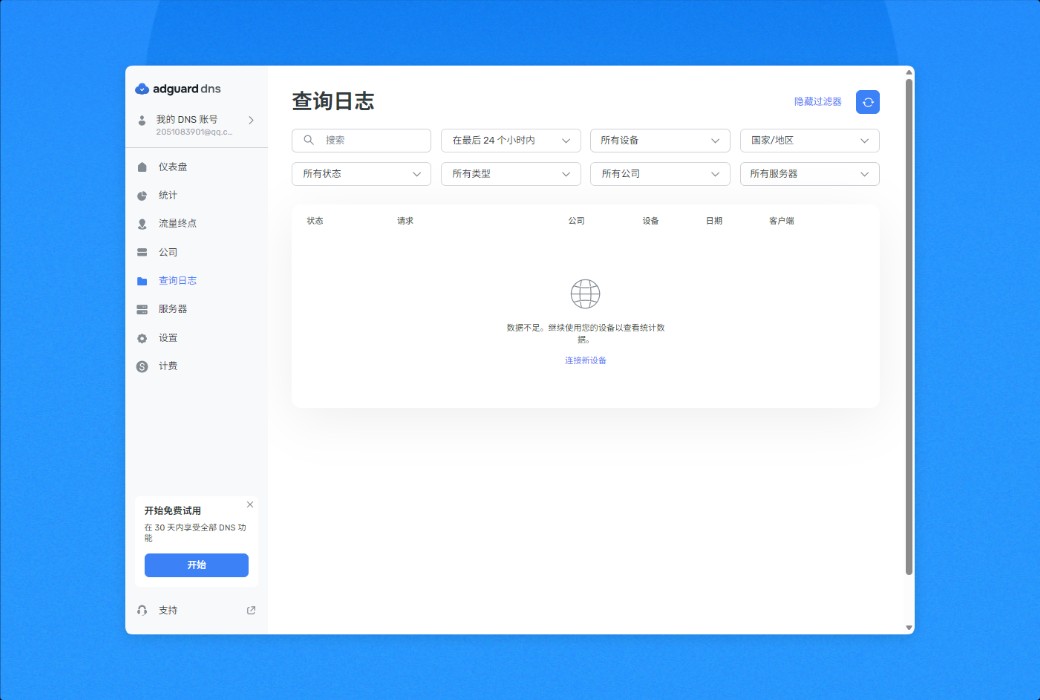
Step 4: Our dashboard allows users to understand the domain requested by each device, helping them quickly and easily block unwanted sites.
Step 5: Everything is ready! AdGuard DNS can help you manage your online experience and view the content you want to see without being affected by advertisements, tracking, or malicious threats.
Features
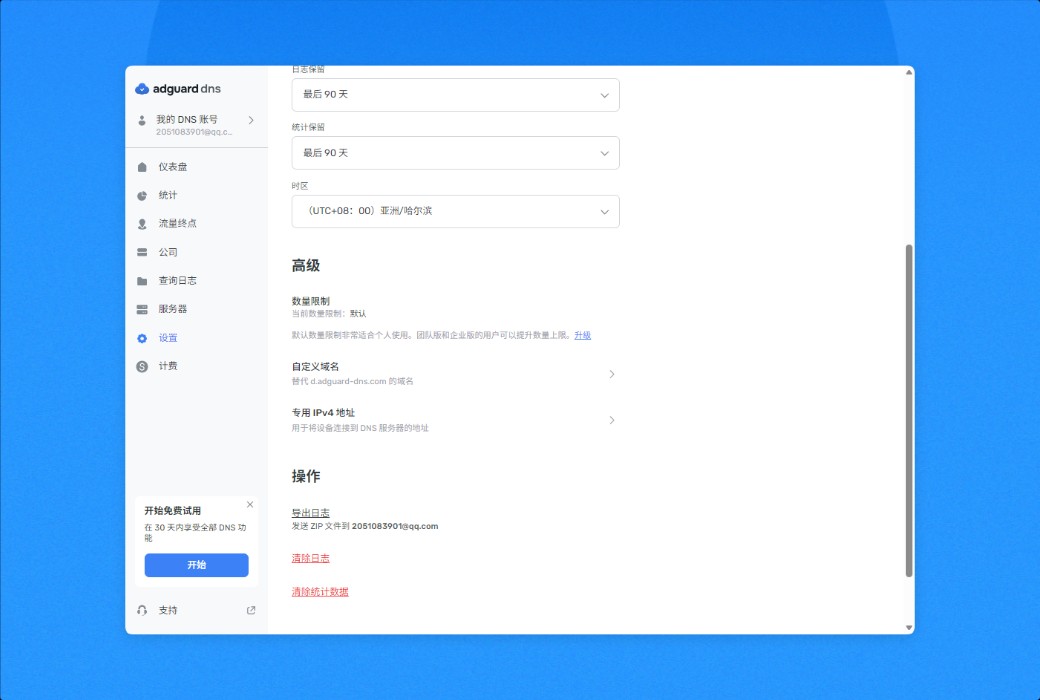
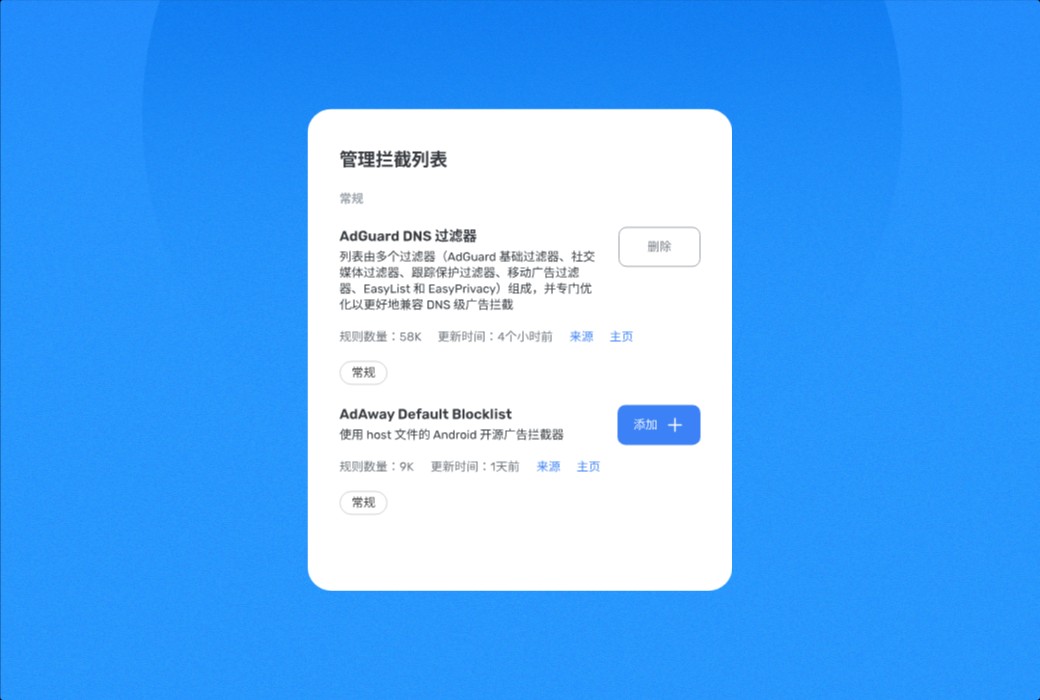
AdGuard DNS uses powerful filters to remove ads and trackers on each connected device. Trust our default filters, manually block domains, or both: it's up to you.
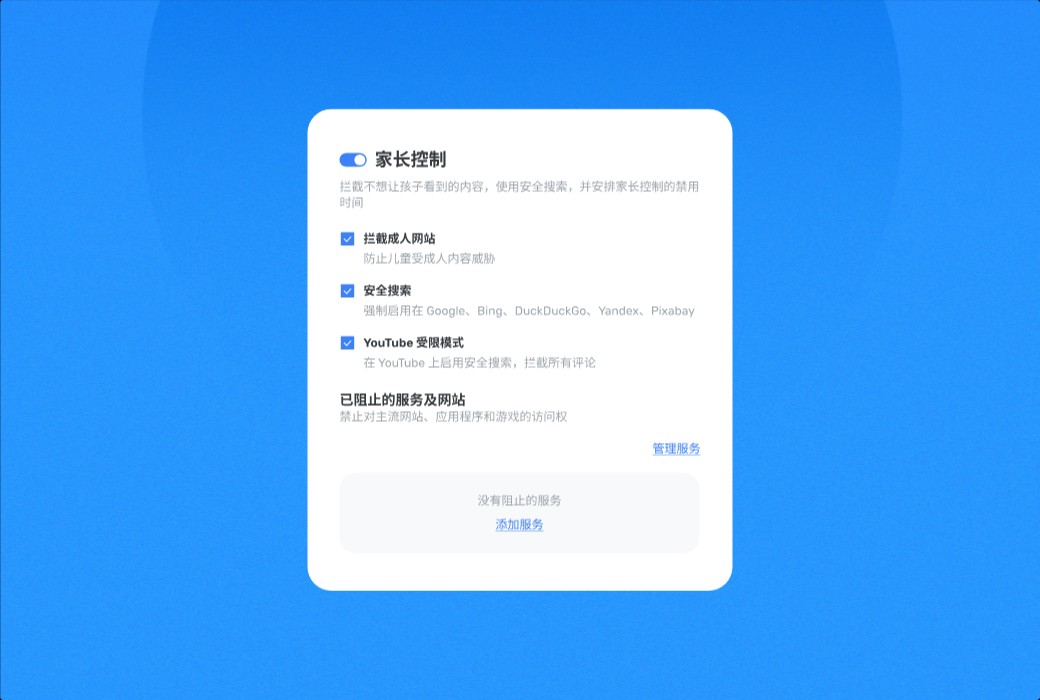
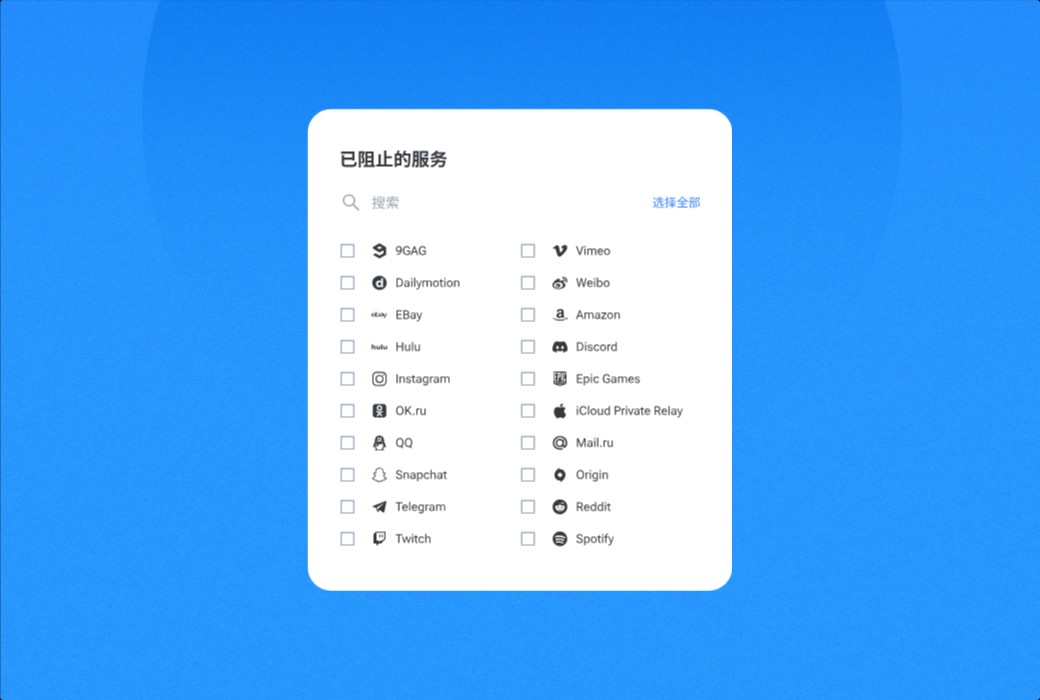
Ensure your child's safe internet access: Protect them from the influence of adult content on websites, search results, or YouTube. Choose when to block which websites. For example, do not allow your child to use social media while doing homework.
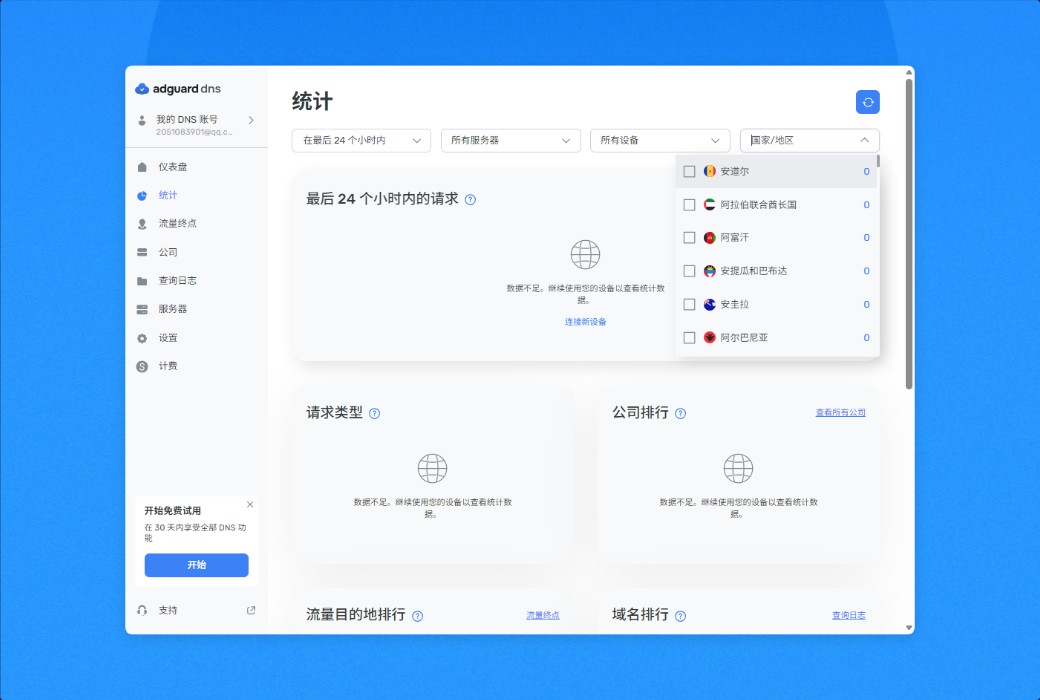
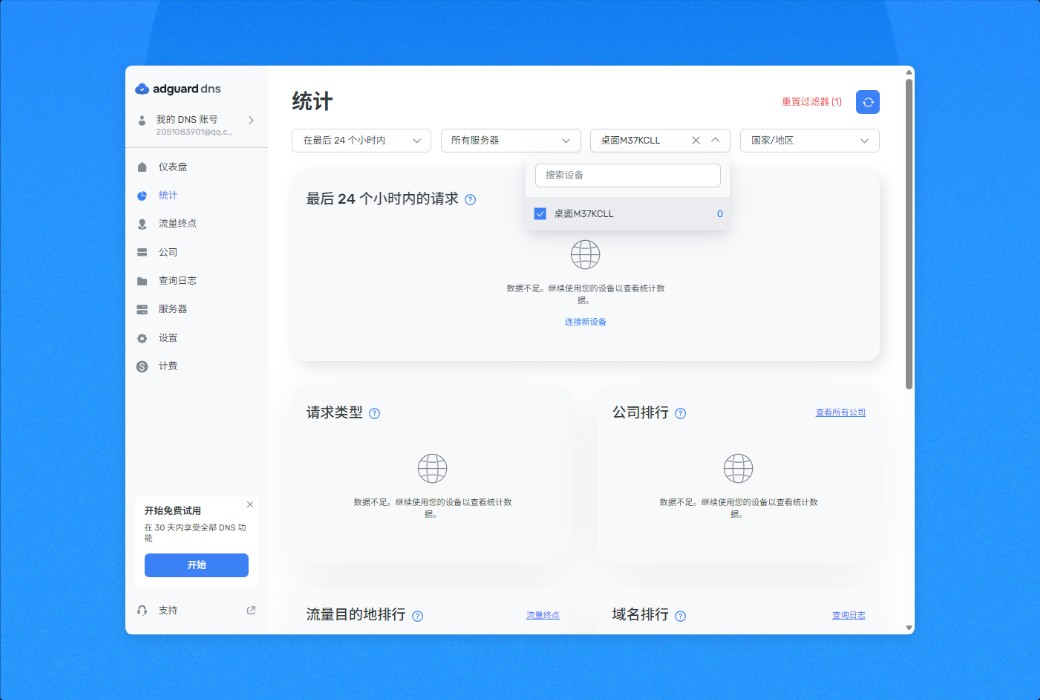
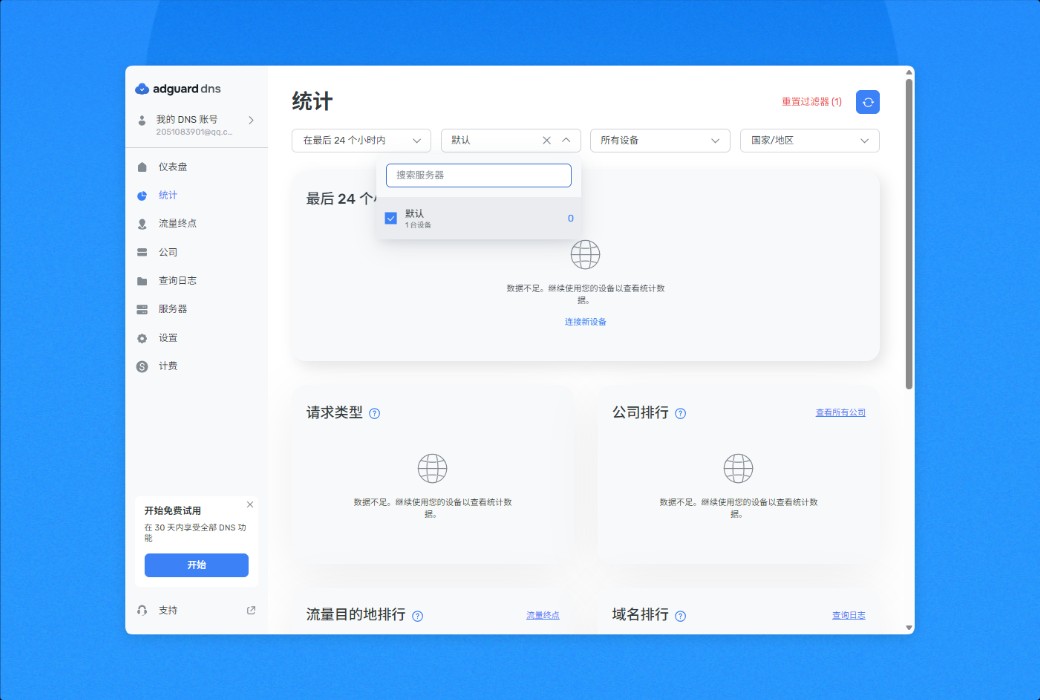
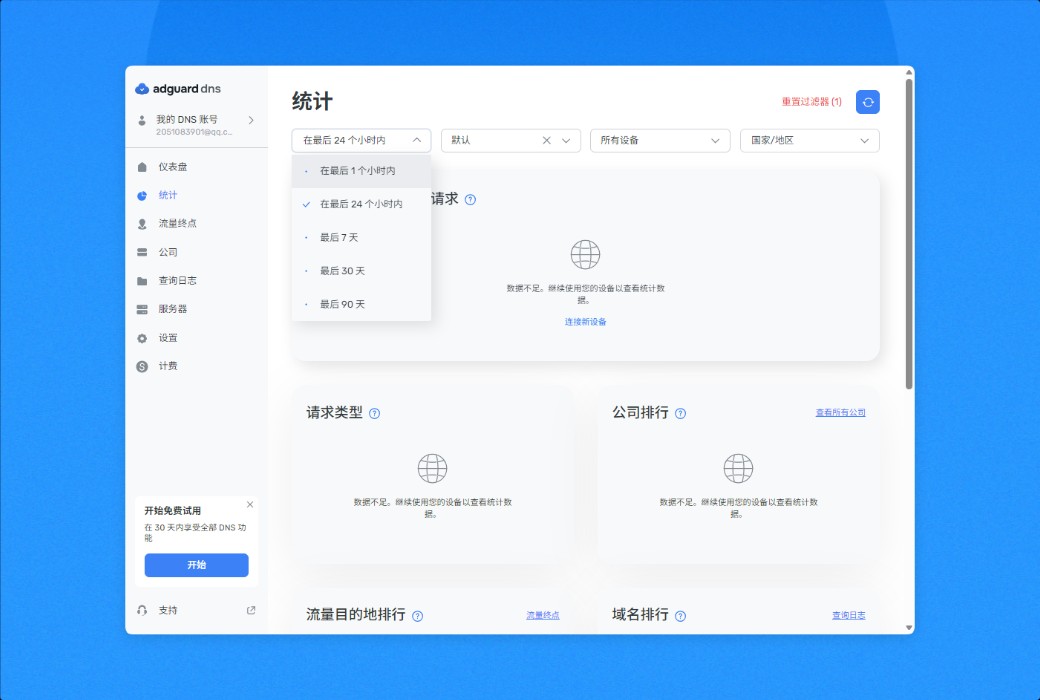
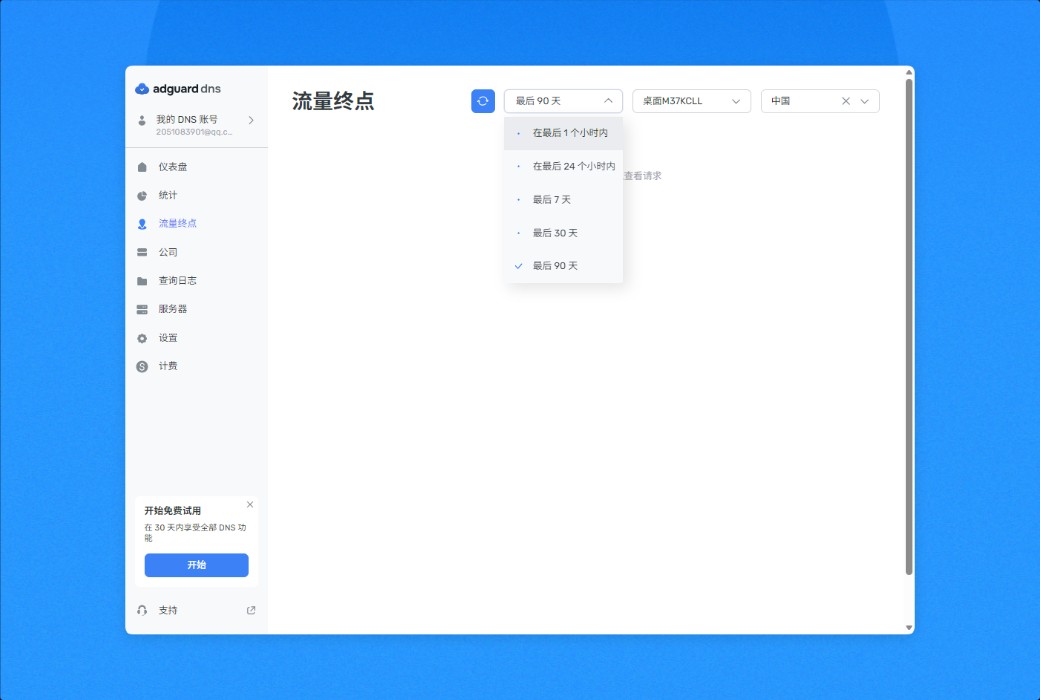
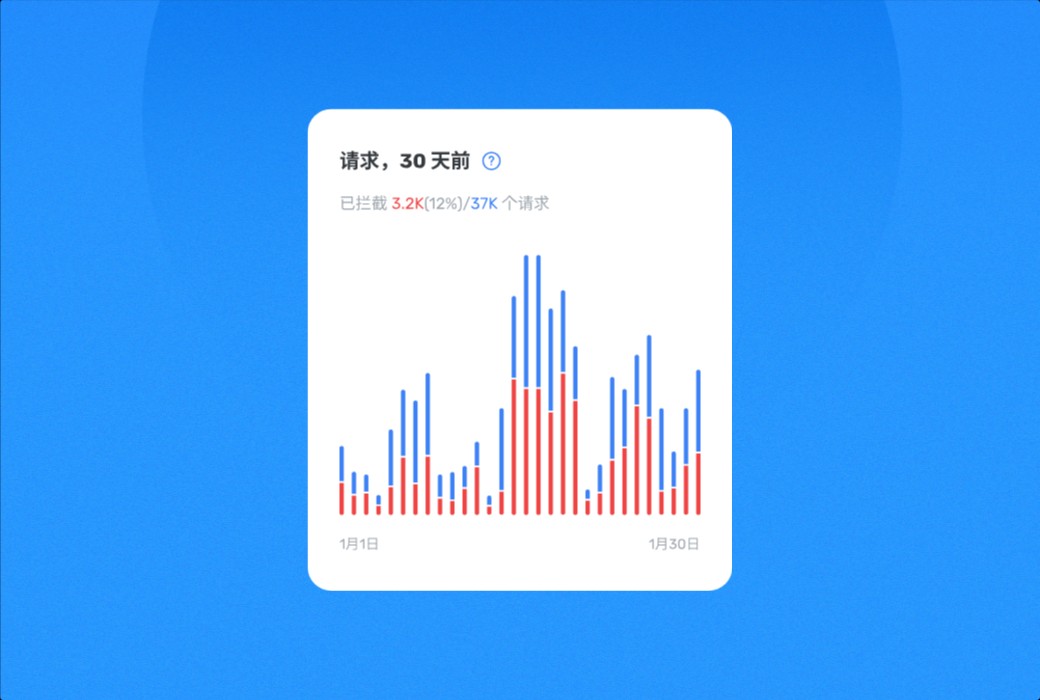
Get real-time statistical information on DNS requests for all devices. View which sites each device attempts to connect to, which requests are blocked, and when they are blocked, and promptly change DNS filtering rules. View statistical data by date, country, or device, or switch to a bird's-eye view and view all data.
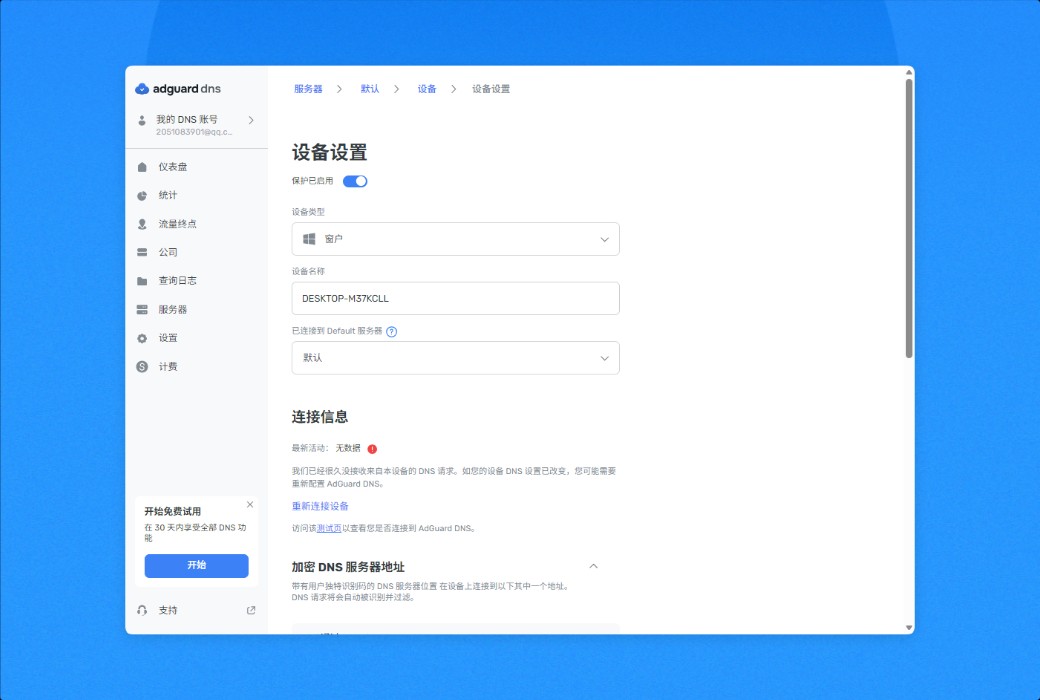
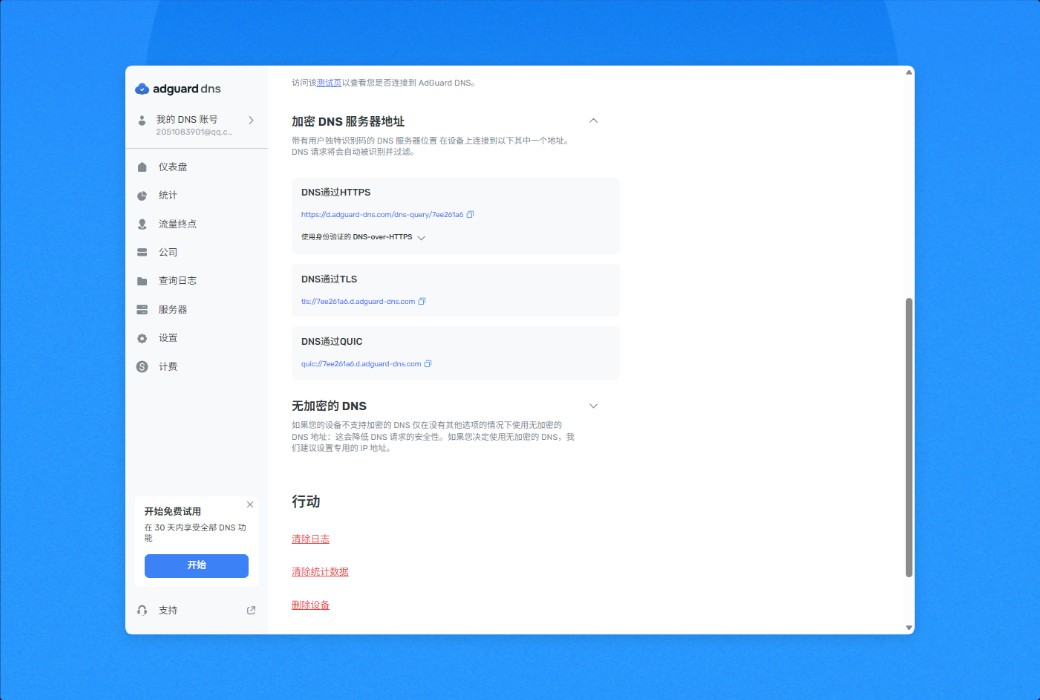
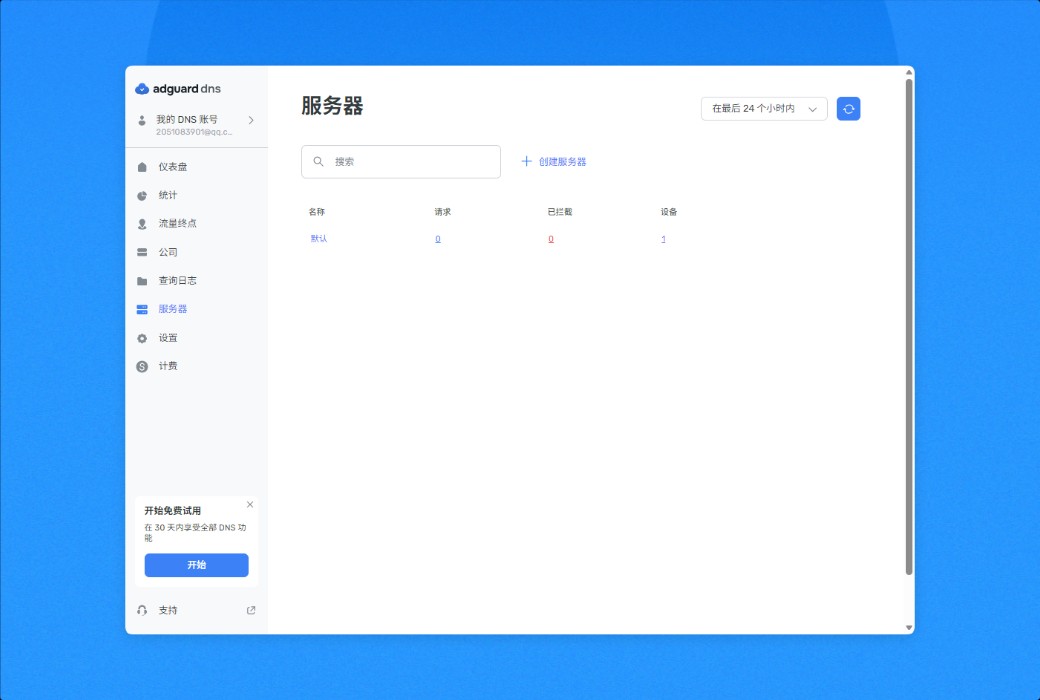
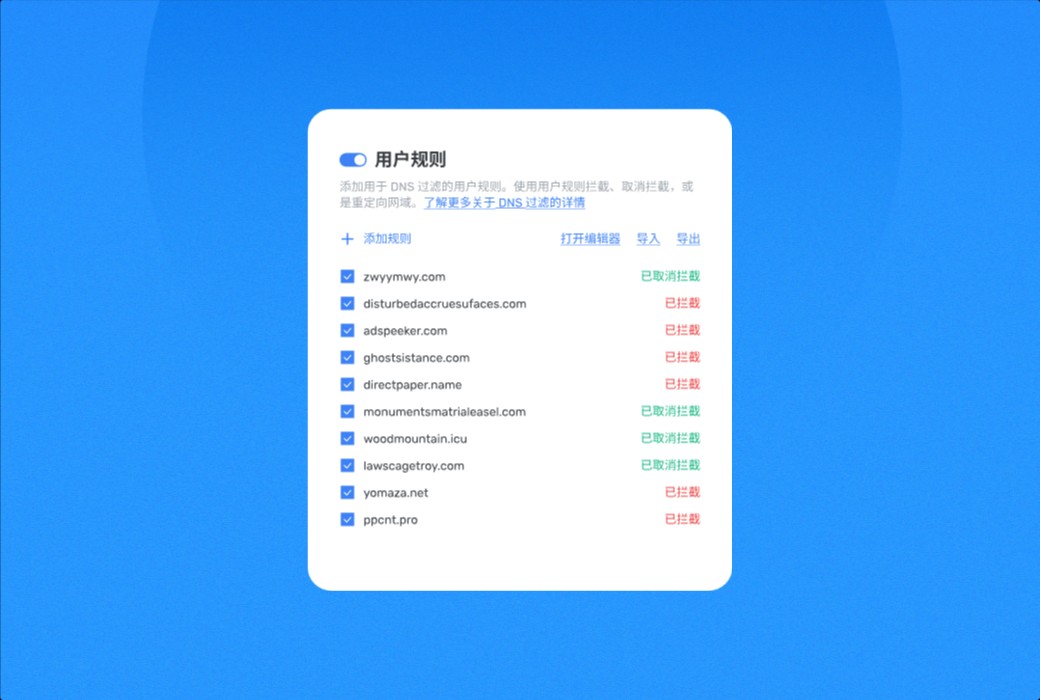
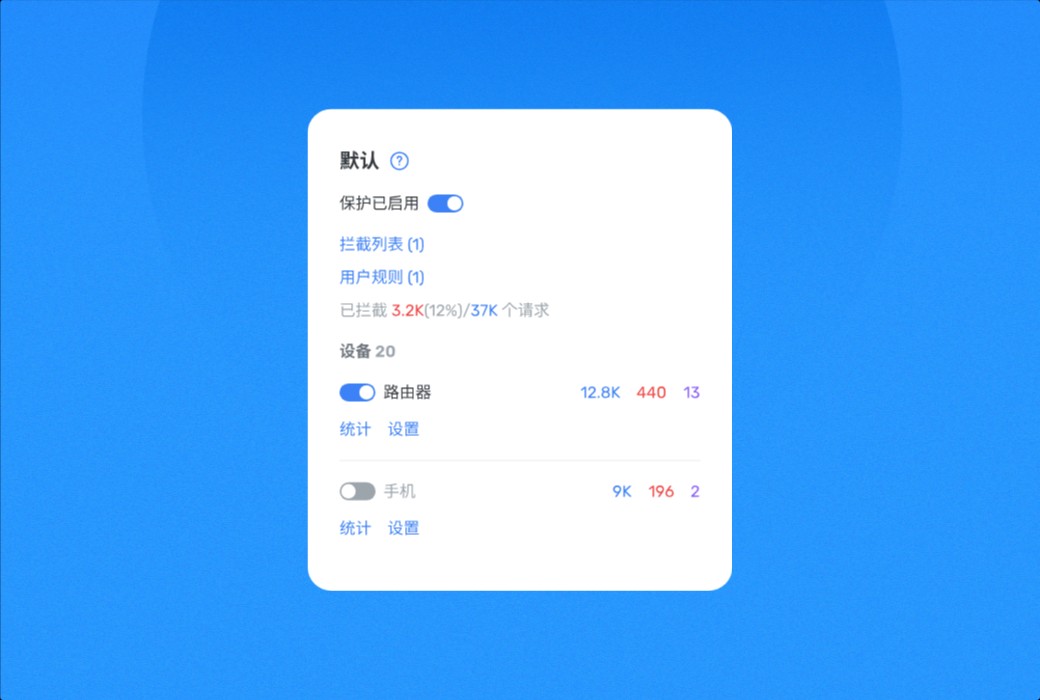
Use our private DNS server and decide which domains should be blocked or allowed access on each of your devices. Connect your computer, phone, tablet, or router and manage their DNS queries according to your needs.
Official website:https://adguard-dns.io/zh_cn/welcome.html
Download Center:https://adguard-dns.apsgo.cn
Delivery time:24-hour automatic shipping
Operating Platform:Web
Interface language:Supports Chinese interface display and multiple language options.
Update Description:Use and update during the subscription period.
Trial before purchase:Free trial is available before purchase.
How to receive goods:After purchase, the activation information will be sent to the email address at the time of placing the order, and the corresponding product activation code can be viewed in the personal center, My Orders.
Number of devices:Individual version (20 devices), team version (200 devices), depending on the purchased version.
Replace computer:Uninstall the original device and activate the new device.
Activation guidance:https://adguardaccount.net/redeem/dns
Special note:To be added.
reference material:https://adguard-dns.io/zh_cn/welcome.html

Any question